

|
Name |
Cast to TV |
|---|---|
|
Google Play Link |
GET IT ON
Google Play
|
|
Category |
Tools |
|
Developer |
iKame Applications - Begamob Global |
| Last version | 14.7.3 |
|
Updated |
|
|
Compatible with |
Android 7.0+ |
What is Cast to TV APK?
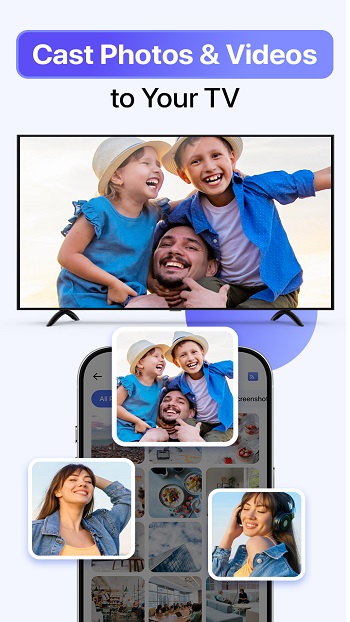
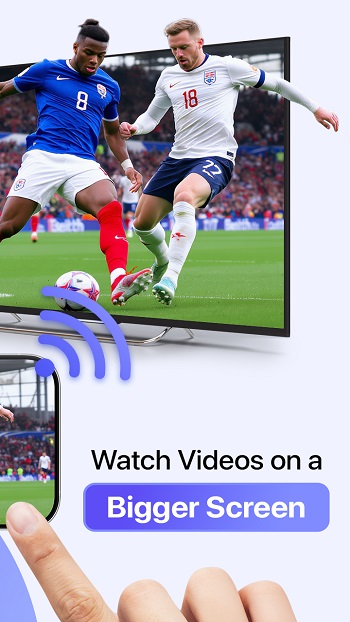
Cast to TV is a mobile utility app designed for Android users who want to stream videos, photos, or music from their phones directly to larger screens. It turns your smartphone into a quick and smart media hub that connects effortlessly to your TV through Wi-Fi. Whether it’s a movie night, family slideshow, or gaming session, the app lets you share everything instantly on the big screen.
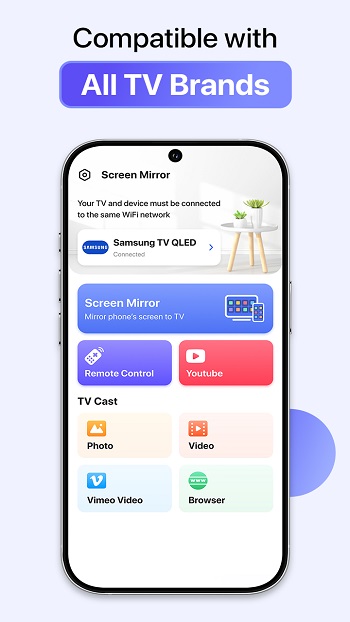
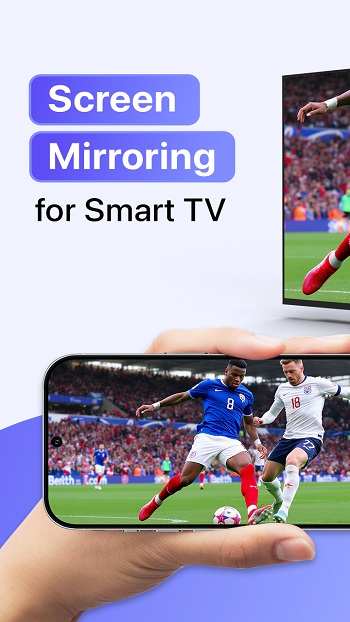
This app supports a wide range of devices including Chromecast, Roku, Fire Stick, Apple TV, Xbox, LG, Samsung, and other DLNA-compatible TVs. Once connected, users can mirror their phone display or cast local and online media without lag. The setup is simple — both devices just need to be on the same Wi-Fi network.
One of the standout features of Cast to TV is its built-in control system. You can adjust volume, pause, rewind, or fast-forward videos directly from your phone. It also supports IPTV access and remote control functions, making it versatile for streaming, music playback, and more.
The app focuses on convenience and compatibility. It ensures smooth mirroring for games and applications while maintaining high-quality visuals. For people who often switch between devices, this saves time and simplifies entertainment setups.
However, the app’s performance may depend on Wi-Fi stability and TV compatibility. Users with older devices might experience connection delays or limited screen resolutions. Still, it delivers solid functionality for most smart TVs and popular streaming devices.
Cast to TV is best for users who love sharing digital content during gatherings or simply prefer a larger display for movies and games. It’s especially handy for those who want quick, wireless screen mirroring without dealing with cables or complicated settings.
FAQs Cast to TV
What is Cast to TV?
+
Cast to TV is an Android app that lets you stream videos, photos, and music from your phone to your TV using Wi-Fi.
How do I connect Cast to TV to my device?
+
Make sure your phone and TV are on the same Wi-Fi, open the app, and select your TV or streaming device from the list.
Which devices work with Cast to TV?
+
It supports Chromecast, Roku, Fire Stick, Xbox, Apple TV, Samsung, LG, Sony, and most DLNA-compatible smart TVs.
Can I mirror games with Cast to TV?
+
Yes, you can mirror games or apps in real time, displaying your phone screen directly on the TV.
Why isn’t Cast to TV connecting to my TV?
+
Check that both devices are on the same Wi-Fi network and that screen mirroring or wireless display is enabled on your TV.
Discover More Interesting Apps
-
 Mod
Mod
PDownloader
v1.0.41
108.14 Mb
Updated -
Mod
Spatial Touch
v1.2.17
96.17 Mb
Updated -
Mod
MacroDroid
v6.0.11
85.98 Mb
Updated -
Mod
Free VPN
v2.5.3.6
155.00 Mb
Updated -
Mod
LTE Discovery
v7.6.2
26.16 Mb
Updated -
SideQuest
v2.3.1
47.37 Mb
Updated -
Mod
Fast Pairing
v3.0.992332720
7.49 Mb
Updated -
Mod
Ad Blocker
v7.6.14
39.00 Mb
Updated -
Mod
VPN Super Unlimited Proxy
v2.33.1
84.81 Mb
Updated -
Mod
AI Voice to Text
v1.49
73.09 Mb
Updated







Share Your Thoughts